
Speech-to-Text on Arch Linux with Wayland: A Journey
I wanted speech-to-text on Arch Linux with Wayland. The main use case was dictating prompts to Claude Code, but it’s useful for any situation where speaking is faster than typing. After trying several options, I found a stable, high-quality solution that works offline.
What Didn’t Work: nerd-dictation + Vosk
My first attempt was nerd-dictation with Vosk for speech recognition. The setup required ydotool for Wayland keyboard simulation (since xdotool doesn’t work on Wayland) and some fiddling with model paths.
I got it working, but the experience was frustrating:
- Sporadic hallucinations: During silence, Vosk would randomly output “the” or “there”. I’d pause to think and suddenly see
the the the theappear. - Low transcription quality: Even with the large English model, accuracy was mediocre. When I said “this is a dictation test”, I got… something else entirely.
- Punctuation issues: Vosk outputs punctuation as words — say “Hello period” and you get
Hello period, notHello.
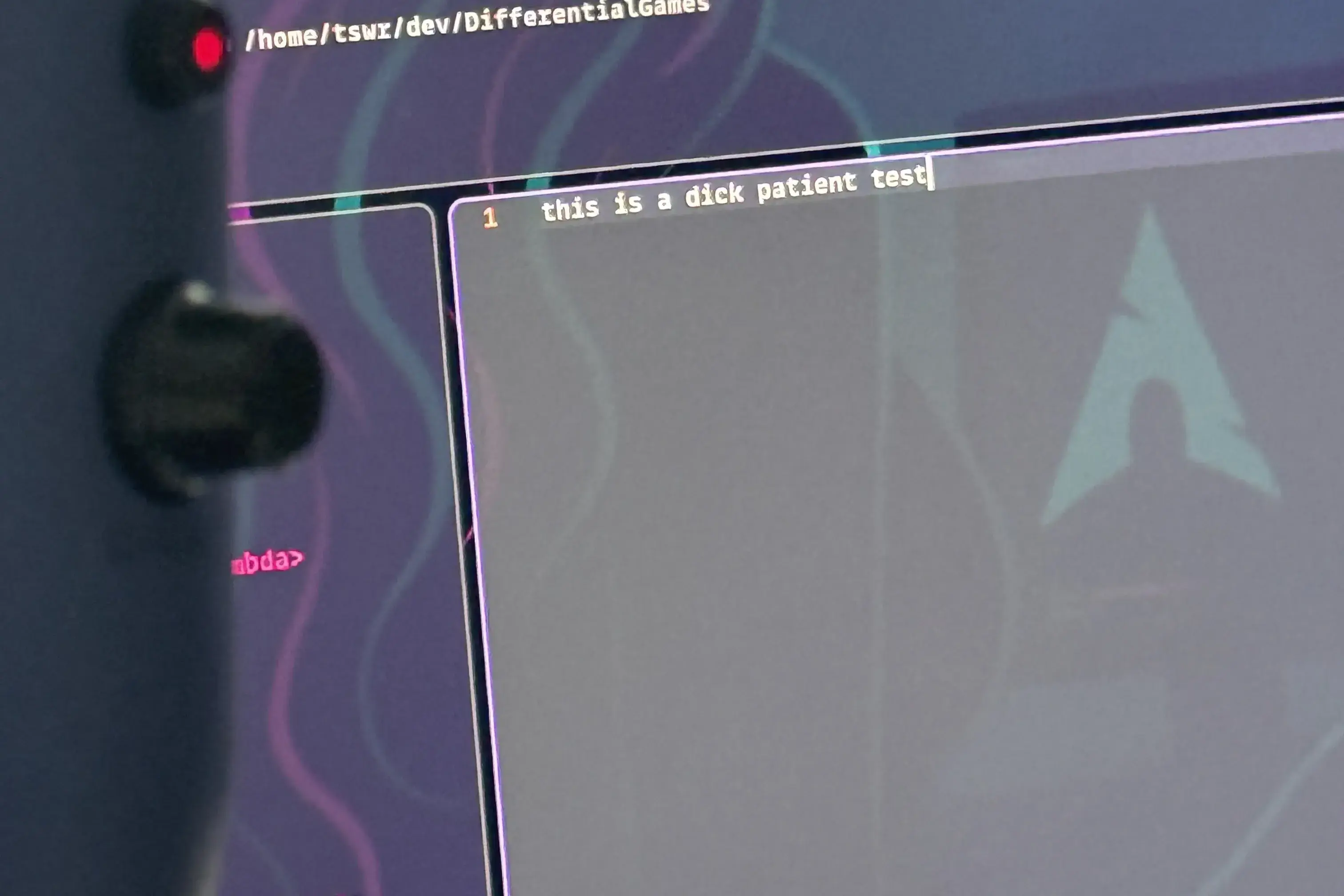
The real-time feedback was nice (words appear as you speak), but the constant errors made it unusable for actual work.
The Solution: Sotto + Whisper
After researching alternatives, I found sotto — a native Wayland application with a clean GTK4 interface that uses OpenAI’s Whisper for speech recognition. Whisper runs 100% locally with no data leaving your machine.
yay -S sotto-bin
Sotto uses Vulkan for GPU acceleration, making inference fast. You download models from within the app. I recommend the Large v3 Turbo model (1.62 GB) — it offers nearly the same accuracy as the largest model but with much better speed.
How Sotto Works
The workflow took some getting used to because it’s different from nerd-dictation:
- Bind a global hotkey to toggle recording. In Hyprland, I use:
bind = $mainMod, Z, exec, pkill -USR1 sotto - Press the hotkey to start recording
- Speak your text
- Press the hotkey again to stop recording
- Sotto transcribes and types the text into the focused window
The key difference: there’s no real-time visual feedback. With nerd-dictation, you see words appearing as you speak. With sotto, you speak, stop, wait a moment for transcription, then text appears all at once.
The Trade-off
This is the fundamental trade-off:
| Feature | nerd-dictation + Vosk | sotto + Whisper |
|---|---|---|
| Real-time feedback | Yes | No |
| Accuracy | Mediocre | Excellent |
| Punctuation | Manual replacement | Automatic |
| Hallucinations | Frequent | Rare |
| GPU acceleration | No | Yes (Vulkan) |
For my use case — dictating longer passages to Claude Code — accuracy matters more than real-time feedback. I’d rather wait a second and get correct text than watch garbage appear in real-time.
Conclusion
My recommendation: skip Vosk entirely and go straight to sotto with the Large v3 Turbo model. The accuracy difference is substantial, and automatic punctuation alone is worth it.
The dream of talking to my computer and having it understand me correctly is finally real. No cloud services, no subscriptions, no data leaving my machine. Just local AI doing what it should have been able to do years ago.